- English
- Arabic
In This Blog Post
Share This Article
- Published: Jul 27, 2026
- Last Updated: Sep 16, 2026
- 🔊 Listen
TL;DR
- Odoo helps UAE businesses connect accounting, sales, inventory, payroll and reporting in one system.
- UAE localisation supports VAT, reverse charge, multi-currency accounting and bilingual invoicing.
- Accurate tax mapping, clean data and a tailored chart of accounts are essential for a reliable setup.
- Businesses should test complete workflows, approval controls and exceptional transactions before going live.
- Early planning for UAE e-invoicing and Accredited Service Provider integration can prevent future compliance gaps.
For a UAE business, accounting software now has to do more than record sales and expenses. It must support VAT treatment, Corporate Tax reporting, multi-currency transactions, audit-ready records, approval controls and the UAE’s shift towards structured e-invoicing.
That makes Odoo for UAE businesses increasingly relevant. Instead of running accounting, sales, inventory, purchasing, payroll and customer management in separate systems, Odoo connects them within one ERP environment. A sales order can become an invoice, a purchase order can flow into a vendor bill, and inventory movements can feed financial records without repeated data entry.
This guide explains how Odoo accounting UAE works, which features matter for local businesses, how to implement it step by step and what to check before going live.

Odoo Accounting for UAE Businesses
Cut costs, stay compliant and gain financial clarity.
What Is Odoo Accounting?
Odoo Accounting is the finance module within the wider Odoo business management platform. It covers customer invoicing, vendor bills, payments, bank reconciliation, general ledger accounting, budgets, fixed assets, tax reporting and financial statements. Because it connects with Odoo Sales, Purchase, Inventory, Point of Sale, Expenses, Payroll and CRM, transactions can move from operational activity into the accounts with fewer manual hand-offs.
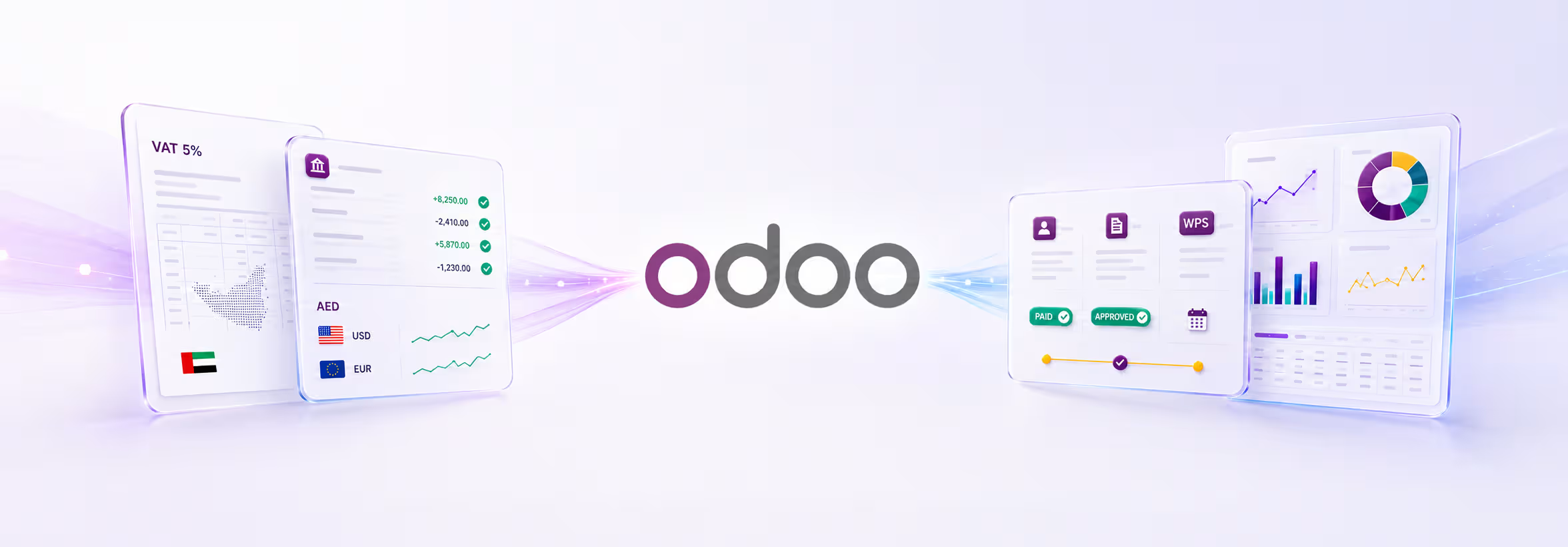
For Odoo accounting UAE, the key difference is the UAE fiscal localisation package. It provides a default local chart of accounts, taxes and reports, including VAT input and output accounts, VAT payable and receivable accounts, payroll-related accounts and end-of-service provision accounts. Odoo also supports the 5% VAT group, Reverse Charge Mechanism, UAE Central Bank exchange-rate updates, UAE-compliant POS receipts and invoices in English, Arabic or both.
However, localisation is not the same as guaranteed compliance. The business must still configure its tax codes, products, customers, suppliers, fiscal positions, approval rules and reporting periods correctly. Odoo accounting software UAE records what the organisation tells it to record. It does not independently decide a company’s VAT, free zone or Corporate Tax treatment.
Key Odoo Accounting Features for Managing UAE Business Finances
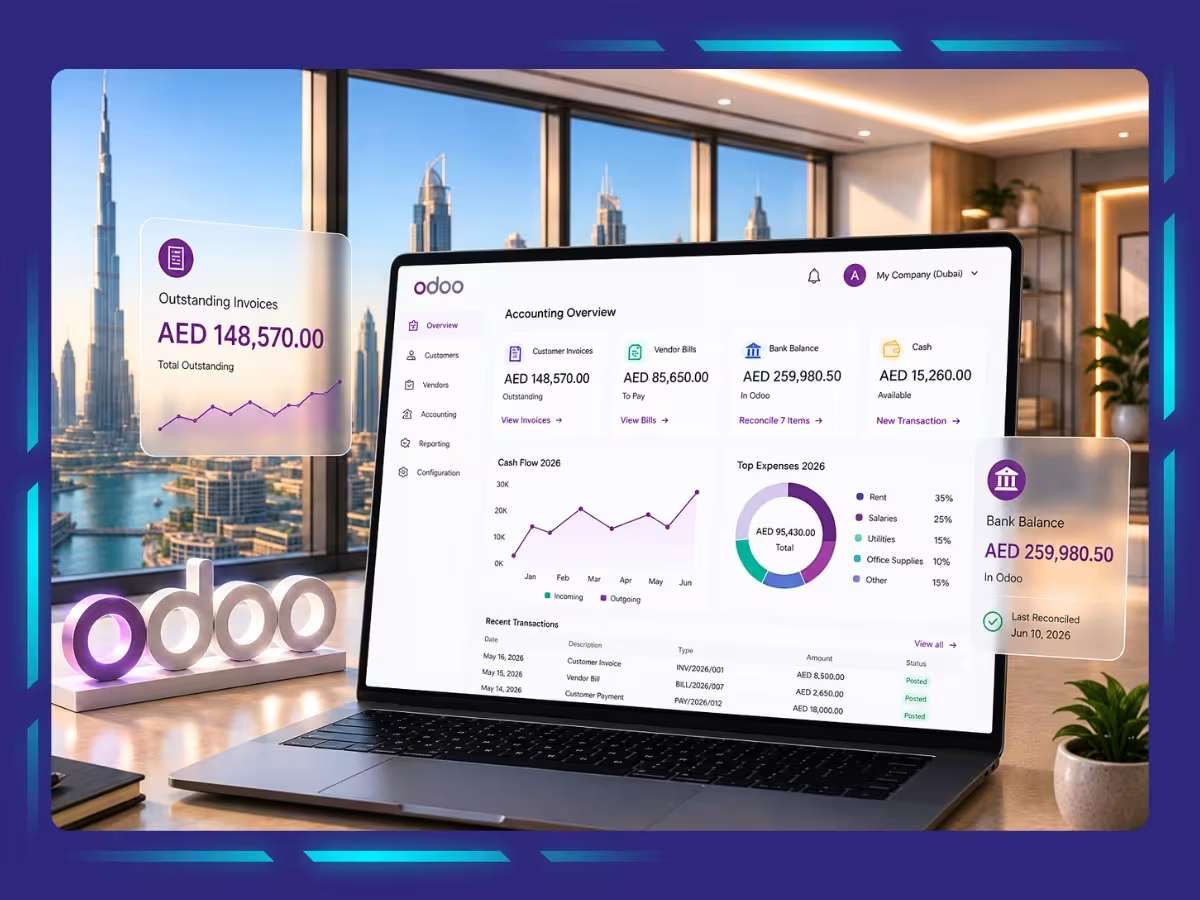
Odoo accounting software UAE supports businesses through VAT reporting, a UAE-specific chart of accounts, bank reconciliation, multi-currency accounting, receivables, vendor bill workflows, payroll, and integrated reporting.
1. UAE VAT Configuration and Reporting
Odoo applies VAT rules across sales and purchases while organising transactions for accurate VAT reporting. Businesses must correctly classify standard-rated, zero-rated, exempt, reverse charge and import transactions to ensure compliance. The configured VAT period should match EmaraTax, and finance teams should reconcile reports before filing while using tax lock dates to protect closed periods.
2. UAE-Specific Chart of Accounts
The UAE localisation provides a standard chart of accounts covering key financial areas such as receivables, payables, VAT and payroll. Businesses should customise it to match their industry, operational structure and reporting needs. A well-designed chart improves financial visibility without creating unnecessary accounts that make reporting more complex.
3. Automated Bank Reconciliation
Odoo matches bank transactions with invoices, bills and payments while using reconciliation models to automate recurring entries. This is particularly useful for businesses managing multiple bank accounts or currencies. Regular review of unmatched transactions helps maintain accurate records and prevents reconciliation issues from accumulating until month-end.
4. Multi-Currency Accounting
Odoo accounting UAE enables businesses to manage invoices, payments and bank accounts in multiple currencies while recording exchange gains and losses. Companies should establish a consistent exchange-rate policy before implementation and define procedures for foreign transactions, currency revaluation and settlement differences to ensure accurate financial reporting.
5. Accounts Receivable and Payment Follow-Up
Odoo helps businesses monitor outstanding invoices through customer statements and automated payment reminders while tracking collection activities. Follow-up workflows should reflect the company’s credit policy so communication remains appropriate for different customer relationships. A structured process improves cash flow and reduces overdue receivables.
6. Vendor Bill Digitisation and Approval Workflows
Vendor bills can be captured manually or through OCR, reducing repetitive data entry and improving efficiency. Approval workflows ensure invoices are reviewed before payment based on predefined rules. Despite automation, finance teams should verify supplier details, VAT amounts and payment information to maintain accuracy and compliance.
7. Payroll and End-of-Service Accounting
Odoo supports UAE payroll with salary structures, payroll accounting and end-of-service provision entries while maintaining Wage Protection System data. Since payroll involves multiple employee-specific variables, HR and finance should jointly review salary components, deductions and accounting entries. Monthly reconciliation helps ensure payroll accuracy.
8. Integrated Operational and Financial Reporting
Odoo connects accounting with sales, purchasing, inventory, projects and expenses to provide real-time business insights. Managers can analyse profitability by customer, product, branch or project instead of relying only on financial statements. This integrated approach supports faster decisions with more meaningful operational and financial data.
How to Implement Odoo Accounting in a UAE Business: Step by Step
The process of implementing Odoo for UAE businesses covers scope definition, process mapping, module selection, UAE localisation, tax setup, e-invoicing preparation, data migration, testing, user training, and controlled go-live.
Step 1: Define the Business and Compliance Scope
Begin by documenting the organisation’s legal, operational and tax structure. Include every mainland or free zone entity, branch, VAT registration, Corporate Tax registration, bank account, currency, warehouse and sales channel. You should also identify the reports required by management, auditors, banks, investors and the FTA before configuring the system.
Step 2: Map the Existing Finance Processes
Document how sales invoices, supplier bills, expenses, payroll, refunds, credit notes, bank transactions and month-end journals are currently processed. Clearly identify who creates, reviews, approves, posts and releases each transaction. This exercise also helps separate genuine operational requirements from inefficient practices that should not be recreated in Odoo.
Step 3: Select the Right Odoo Edition, Modules and Hosting Model
Decide whether the business requires Odoo Accounting UAE alone or a wider system covering Sales, Purchase, Inventory, CRM, Expenses, Payroll, Projects, Point of Sale or eCommerce. Standard configuration should be prioritised wherever possible because unnecessary custom development increases implementation costs, testing requirements, maintenance effort and future upgrade complexity.
Step 4: Install and Review the UAE Localisation
Install the UAE accounting localisation and verify the company country, base currency, fiscal year, chart of accounts, journals and tax settings. Review VAT input, VAT output, Reverse Charge Mechanism and VAT settlement accounts carefully. The default localisation provides a foundation, but additional accounts and reporting dimensions may still be required.
Step 5: Configure Tax and Invoice Rules
Configure the company’s Tax Registration Number, legal name, trade licence information, registered address, invoice sequences, payment terms, bank details and invoice templates. Then test the tax treatment of domestic sales, exports, imports, free zone transactions, overseas services, deposits, refunds and reverse charge purchases rather than relying only on standard 5% VAT transactions.
Step 6: Prepare for UAE E-Invoicing
UAE e-invoicing should be treated as a combined finance, tax and technology project. Businesses must confirm how Odoo will exchange structured invoice data through an approved Accredited Service Provider. Testing should cover invoice fields, customer identifiers, XML conversion, validation messages, rejected invoices, credit notes, amendments, downtime procedures and document-retention requirements.
Step 7: Clean and Migrate Data
Clean customer, supplier, product, account and employee records before transferring them into Odoo. Remove duplicates and validate names, TRNs, addresses, bank details, currencies, payment terms, tax settings and account mappings. Only migrate historical information that supports current operations, while older records can be preserved securely in a separate archive.
Step 8: Test Complete Transaction Cycles
User acceptance testing should cover complete workflows, including quote to cash, purchase to payment, payroll posting, expense reimbursement, bank reconciliation, VAT reporting, inventory valuation, fixed assets and month-end closing. Testing should also include incorrect, cancelled or exceptional transactions so accounting, workflow and tax issues are resolved before the system goes live.
Step 9: Train Users and Control Access
Train employees only on the Odoo functions relevant to their responsibilities. Sales, purchasing and finance teams will require different workflows, controls and reporting knowledge. Role-based permissions should also separate supplier creation, invoice entry, approval, payment preparation, payment release and bank reconciliation to reduce fraud, error and unauthorised activity risks.
Step 10: Go Live With a Controlled Cutover
Select a formal cutover date, close the old accounting system and reconcile all control accounts before transferring opening balances. The plan should include transaction deadlines, backups, access activation, issue escalation, rollback procedures and post-launch support. Additional reviews should be completed during the first month-end close and the first VAT return.
Things to Consider Before Implementing Odoo Accounting in Your Business
Before implementing Odoo accounting UAE, businesses should evaluate the project scope, the quality of existing financial records, UAE compliance requirements, customisation needs, and the total cost of implementation. Careful planning helps reduce delays, avoid unnecessary costs, and support a smoother transition.
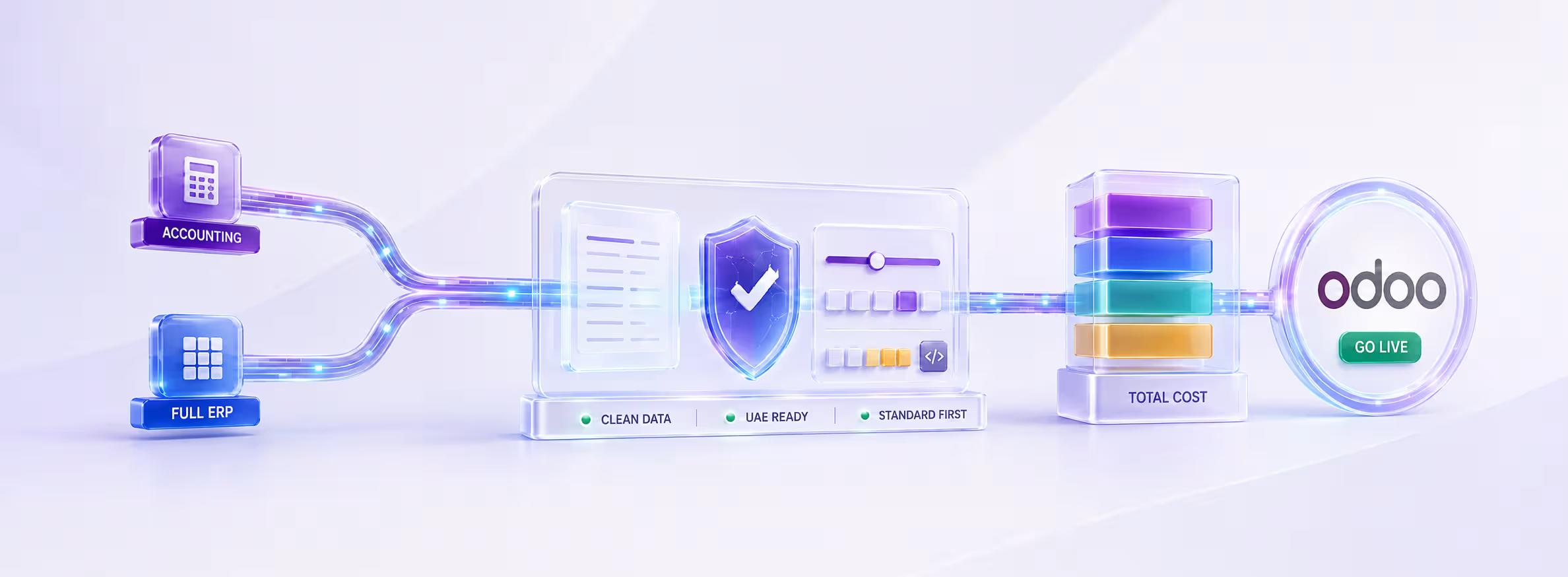
1. Define Whether Odoo Will Be Used for Accounting or as a Full ERP
Before starting, businesses should decide whether Odoo will be used only for accounting, or for the whole business (sales, inventory, HR, etc.) as a full ERP. Accounting-only setup is quicker and causes less disruption. A full ERP connects all departments but needs more planning, testing and training. Deciding this early helps set the right budget, timeline and licenses.
2. Assess the Quality of Existing Financial Records
The condition of existing accounting records has a direct impact on implementation success. Unreconciled bank accounts, outstanding receivables, duplicate supplier records and inaccurate opening balances should be resolved before migration. Cleaning up financial data beforehand helps ensure the Odoo accounting UAE system starts with reliable information rather than transferring existing accounting issues into the new platform.
3. Review UAE Compliance Requirements
Businesses should identify the specific UAE regulatory requirements that apply to their operations before configuring Odoo accounting UAE. These may include mainland or free zone entities, VAT groups, Corporate Tax reporting, related-party transactions, transfer pricing documentation, import VAT, reverse charge transactions, Arabic invoicing, WPS payroll, end-of-service provisions and future e-invoicing requirements. The accounting configuration should reflect the organisation’s actual compliance obligations rather than applying identical settings across all transactions.
4. Determine the Level of Customisation Required
Odoo accounting UAE provides extensive standard functionality that meets the needs of many businesses without major modifications. Customisation may be appropriate for industry-specific workflows, specialised reporting or approved third-party integrations. However, excessive customisation increases implementation time, adds cost and can make future Odoo upgrades more complex. Standard features should be fully evaluated before custom development is approved.
5. Understand the Total Implementation Cost
The cost of implementing Odoo accounting UAE extends well beyond software licences. Businesses should budget for process discovery, accounting design, system configuration, data cleansing, migration, integrations, custom development, user training, testing, go-live support, ongoing maintenance and future version upgrades. A lower initial quotation may appear attractive but can become significantly more expensive if essential implementation services are excluded from the scope.
Best Practices for Odoo Accounting to Avoid Implementation Failures
Successful Odoo accounting UAE implementation requires finance ownership, proper testing, clear period controls, structured closing procedures and ongoing system governance.
Give Finance Ownership of the Accounting Design
Finance teams should control the chart of accounts, VAT treatment, approval limits and closing procedures. A UAE accountant or tax professional should review the setup before live transactions begin.
Complete a Fit-Gap Workshop Before Development
Review standard Odoo processes before approving custom development. Customisation should only address genuine operational or compliance gaps to reduce costs, maintenance and upgrade complexity.
Create a UAE-Specific Testing Library
Test real UAE business scenarios, including refunds, deposits, reverse charge purchases, foreign currency transactions and period-end adjustments. These test cases can also be reused after system updates or configuration changes.
Lock Closed VAT and Accounting Periods
Apply lock dates after completing VAT returns and monthly closings. Any later adjustment should follow a documented approval process to prevent unauthorised changes to reviewed transactions.
Establish a Monthly Close Process
Create a monthly checklist covering bank reconciliations, receivables, payables, inventory, payroll, fixed assets, VAT, accruals, prepayments, foreign currency balances and management review. Odoo can support the process, but finance teams must remain accountable.
Maintain Governance After Go-Live
Assign clear owners for master data, access rights, integrations, tax settings and system upgrades. Review the configuration whenever the business adds a new entity, branch, warehouse, tax registration, payment gateway or revenue stream.
Implement Odoo in Your Business Processes to Maximise Accounting Efficiency
Odoo can give UAE businesses a view of invoicing, purchases, VAT, cash flow, payroll and reporting, but the value comes from configuration rather than software alone. A successful rollout starts with clean data, a UAE-specific chart of accounts, tested tax rules, controlled access and user training. With e-invoicing moving from pilot adoption towards mandatory phases, businesses should validate their Accredited Service Provider integration early.
Whiz Consulting can help you configure Odoo Accounting UAE workflows, migrate records, reconcile opening balances, manage day-to-day bookkeeping and prepare reliable VAT and Corporate Tax working papers. Speak with our UAE accounting team to build an Odoo process that supports compliance, faster closes and clearer decisions.

Get customized plan that supports your growth

Have questions in mind? Find answers here...
Odoo provides a UAE localisation package with local accounts, taxes, VAT reporting structures, Reverse Charge Mechanism support and bilingual invoicing. It can also provide the accounting records needed to calculate and support Corporate Tax positions.
Compliance still depends on correct configuration, accurate transaction coding and professional review. Odoo does not decide whether income is taxable, a transaction is zero-rated or a free zone entity qualifies for a particular Corporate Tax treatment.
Odoo can generate electronic invoice data and supports Peppol functionality in selected countries. UAE e-invoicing, however, requires businesses to exchange and report structured invoice data through a UAE Accredited Service Provider.
Businesses using Odoo should confirm that their version and implementation partner can integrate with the selected provider and support UAE invoice fields, validation messages, invoice corrections and credit notes.
There is no reliable single price because the cost depends on user count, legal entities, modules, migration volume, integrations, customisation, training and support.
A small Odoo accounting UAE rollout with clean data will cost less than a multi-company ERP implementation covering inventory, payroll, CRM, Point of Sale and eCommerce.
Ask providers to separate software licences, configuration, data migration,custom development and recurring support so proposals can be compared properly.
A focused accounting implementation may take several weeks, while a multi-entity ERP rollout can take several months.
The largest delays usually come from unclear processes, poor data, late management decisions and excessive customisation. A credible plan should include discovery, design, configuration, migration, testing, training, cutover and post-go-live support rather than promising an instant launch.
Yes. A UAE business can outsource transaction processing, bank reconciliation, accounts receivable, accounts payable, month-end reporting, VAT working papers and day-to-day Odoo bookkeeping while keeping approvals and payment authority in-house.
Thousands of business owners trust Whiz to manage their account
Let us take care of your books and make this financial year a good one.